


Custom AI Skills
Skills for design, code and brand, stocked with your voice, colors and standards.
Your best workflows, ready to run again. HOUSEINK Studio creates custom AI skills and workflow automation that bring your brand, process, and standards into the work. From ad variations and content creation to campaign handoffs, each skill gives AI a clear recipe to follow, so you spend less time repeating instructions and more time shaping what comes next.
THE AUTOMATION OPPORTUNITY
Custom AI skills, built around how you work.
Every team has a way it likes things done: the voice, the sizes, the checks, the handoffs. HOUSEINK Studio turns that know-how into custom AI skills that say when to use them, which ingredients go in, and what steps to follow. Run one, review what’s served, and spend your time on work that needs your ideas and judgment.
AI SKILLS + WORKFLOW AUTOMATION
We stock the ingredients, write the method, connect your tools and keep a person on the pass, so every skill serves work that’s on brand and ready for review.
Skills for design, code and brand, stocked with your voice, colors and standards.

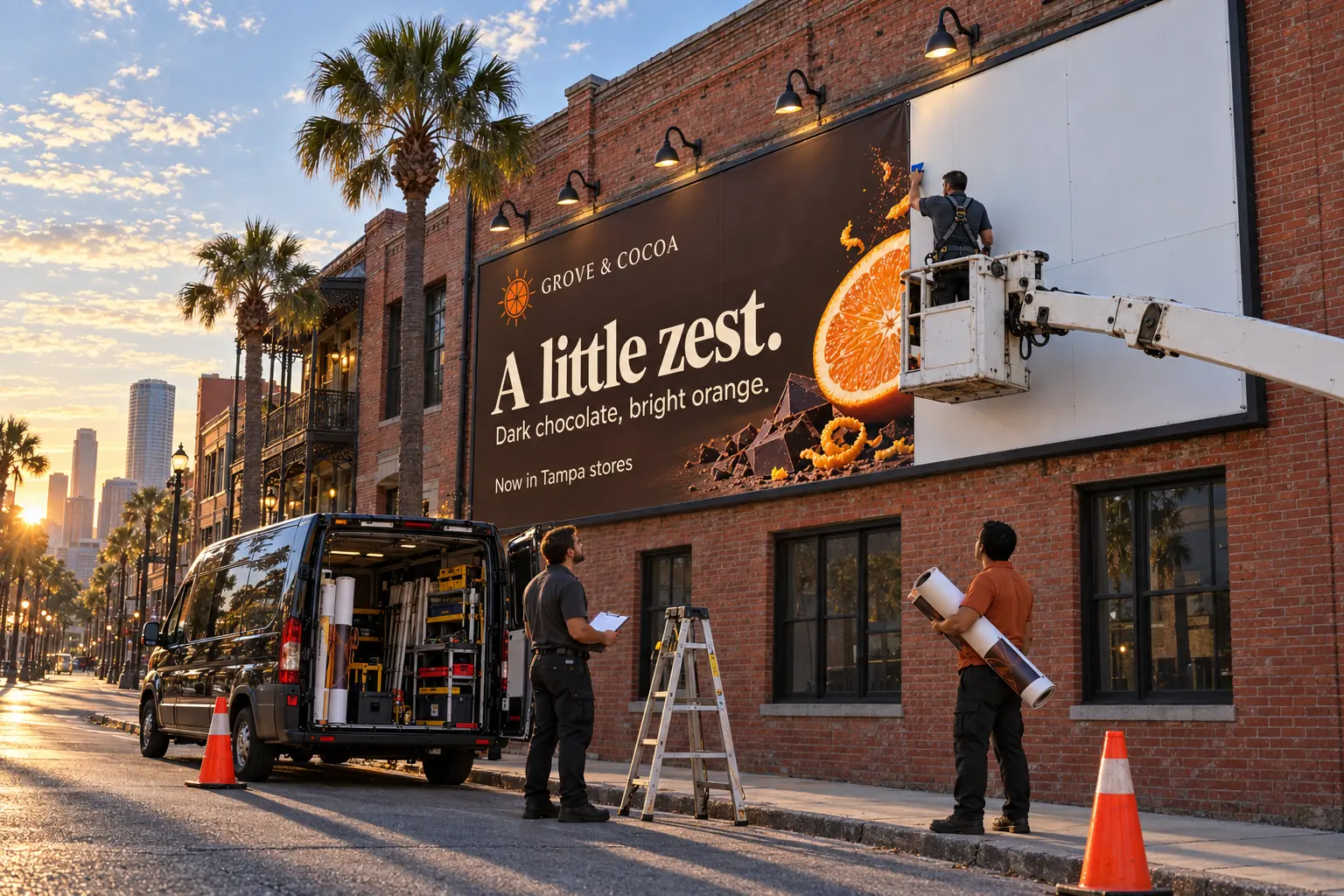
Skills that turn one approved design into ad variations for every placement, ready for review.
Link skills to your tools, briefs and handoffs, so work moves without the copy‑paste.

Review points, approvals and clear owners, so people sign off before anything goes live.
HOW A SKILL RUNS
A good workflow shows what starts it, which skill runs and where a person decides. Nothing is served without a check.
A campaign brief arrives through your intake form.
Brief receivedAd variations reads the brief and builds every size.
12 drafts readyThe creative lead checks the drafts before anything moves.
ApproveReturnApproved files go to the team, with a status update for everyone.
Approved · Team notifiedIllustrative workflow · a custom AI skill with a required human approval step.
BUILT FOR REAL KITCHENS
People, tools and requirements change. Every skill and workflow has a plan for missing information, failed steps and the decisions that stay with your team.
Explore AI ConsultingEvery skill has an owner who knows its purpose and decides when it changes.
Status updates and alerts keep the process easy to follow.
Clear exception paths help the team fix issues and keep going.
WHERE THE TIME GOES
Skills and automation take the repeat steps, so your team spends its time on ideas, decisions and craft. The judgment calls stay with people.
| Task | Manual | Automated | People still |
|---|---|---|---|
| Brief intake + routing | 3 hrs | 15 min | Approve the brief |
| Ad size variations | 6 hrs | 45 min | Review every draft |
| Status updates | 2 hrs | Automatic | Read the digest |
| Asset handoff | 2 hrs | 20 min | Final check |
HOW WE BUILD IT
Map the work, write the skill, test it with real cases, then hand it over with a clear owner.
Review the task, tools, inputs, decisions and current handoffs.
Turn your rules, inputs, checks and review points into a custom skill.
Run the skill on real work and likely failure cases before release.
Document how it runs, who owns it and how it stays up to date.
CONNECTED SERVICES
LET’S MAKE YOUR NEXT MOVE
Tell us which tasks your team repeats every week. We’ll map the process, write custom AI skills and build a workflow with clear review points.
Start a Conversation

Compare AI agents, fixed workflows and simpler automation for marketing. Define the job, permissions, review points and stopping conditions before building.

Plan an AI pilot around one useful task, a clear quality standard and the full cost of review. A practical starting point for creative and marketing teams.

Help a creative team move from AI experiments to a repeatable workflow with clear ownership, practical examples, review standards and a useful feedback loop.
AUTOMATION ANSWERS
AI marketing automation connects repeatable marketing tasks with AI-assisted steps, such as drafting campaign concepts or generating creative variations. Defined rules move work between tools, while people guide the strategy, check the outputs and approve what goes live.
A custom AI skill is a reusable set of instructions that tells AI when to run, which brand inputs to use and what steps to follow. HOUSEINK Studio, based in Tampa Bay, Florida, builds custom skills for tasks like ad variations, content creation and campaign handoffs, so your team gets consistent, on-brand results with people reviewing the work.
We agree the deliverables before work begins. A project can include workflow mapping, custom AI skills, brand-input setup, connected tools, review and approval steps, testing, documentation and team handoff. Platform subscriptions and ongoing maintenance are scoped separately.
We help connect brand assets, AI-assisted ad variations, content production, creative approvals, status updates and marketing handoffs. Each project starts with the task, your tools and the review points needed to keep the work on brand. Available integrations and agreed scope determine what can be automated.
We start by reviewing your current tools and their integration options. Access, permissions, available connectors and platform limitations inform what can be implemented. Tool changes or additional subscriptions are discussed before work begins.
No. Many useful automations follow defined rules without AI. We consider AI only where it suits a specific task and where its outputs can be checked appropriately within the workflow.
We define ownership, approval points and exception handling as part of the workflow. Steps that need a human decision can pause for review, with clear guidance on what happens when information is missing or an action fails.
Documentation and handoff guidance can be included so your team understands the triggers, dependencies and routine maintenance. We agree ownership and the level of support required before the workflow is released.
Workflows need monitoring and maintenance as tools and business requirements change. We plan failure notifications and recovery steps around the scope, with ongoing support and maintenance responsibilities agreed separately.