Key takeaways
- Start with the job of the page, then look for examples solving a similar problem.
- Borrow a design principle rather than copying another brand’s visual identity.
- Explore brand, commerce, experimental and task-focused sites for different kinds of lessons.
- Evaluate mobile reading, keyboard access, motion and loading alongside visual expression.
- A compelling example is not evidence of higher conversions or search rankings.
The most useful reference is not always the most spectacular site. It is the one that helps you see a design problem differently: how to introduce a complicated offer, give a product context or make a large body of work easier to explore.
This is the updated 2025 edition of our website-design roundup, first published on August 4, 2025. We have revised the selection and commentary rather than carrying forward a list of effects and superlatives. The examples are grouped by what you can learn from them, not ranked from best to worst.
How should you use a website inspiration list?#
Begin with a question about your own website. Perhaps people do not understand the offer, the catalogue is difficult to browse or the work feels disconnected from the brand. Write that question in a creative brief before collecting references.
For each example, separate the observation from the idea you might apply. “I like the animation” is a preference. “The demonstration explains the product before asking me to sign up” is a principle you can explore in your own context.
Collect reasons, not just screenshots. A reference becomes useful when you can explain the job a design choice is doing.
Open the official destinations to explore them. Live websites change, and some depend on scripts, regional settings or device capabilities. The comments below are editorial study prompts, not accessibility certifications, performance audits or claims about business results.
Brand and story: give the business a recognizable point of view#
Start with the relationship between what a business does and how it presents itself. These examples offer different ways to make identity, subject matter and evidence work together.
1. Montfort
Make a complex business legible. Montfort brings several investment and trading activities under one group. Use it to consider how a corporate site introduces the whole organization before explaining its parts. The useful question is whether the first impression gives a reader enough context to choose the right division.
The useful takeaway: Write the organizing idea before designing the navigation. A dramatic opening still needs to explain whose business this is.
2. Siena Film Foundation
Let the subject carry the story. A film organization has rich material to work with: projects, people and the work itself. Siena offers a reference for presenting that body of work rather than reducing everything to an agency-style pitch. Consider how a visitor moves from discovering a project to understanding the organization behind it.
The useful takeaway: Give important work its own place and context. A portfolio needs more than a sequence of attractive thumbnails.
3. Dropbox Brand
Show a system beyond the logo. The Dropbox brand destination is a useful starting point for studying how an identity becomes a shared reference. A brand has to survive different messages and formats, not just one hero composition. Look at the relationship between guidance, assets and the recognizable language of the organization.
The useful takeaway: Design repeatable relationships between type, imagery and layout so that new pages can still feel like the same brand.
4. Watson
Connect positioning to the work. Watson presents its studio through its capabilities and projects. Treat the site as a prompt to examine how much explanation a creative business needs around its work. A visual portfolio can attract attention, but prospects also need to understand what the studio contributed and why that contribution matters.
The useful takeaway: Pair a strong project image with a specific role or problem. Let the reader distinguish the service from the aesthetic.
5. Pentagram
Make a large body of work browsable. Pentagram has a broad project archive spanning different disciplines and clients. That makes it a useful reference for an expanding portfolio: the challenge is helping people find relevant work without making every project compete for attention at once. Study its project context alongside its ways into the archive.
The useful takeaway: Plan discovery around what a prospective client wants to find, then give individual projects enough room to explain themselves.
Commerce and services: help people make a confident choice#
A store or service website has to connect desire with practical details. These examples provide prompts for studying product context, service clarity and the information around a decision.
6. Aesop
Bring editorial context into a store. Aesop brings product categories, product descriptions and wider brand material into the same shopping environment. Use it to ask how an editorial voice can support discovery without obscuring what is available. The balance matters: a distinctive brand experience still has to help a person assess an ordinary purchase.
The useful takeaway: Give the product a point of view, then keep practical information and the route to purchase easy to find.
7. Patagonia
Connect products with a larger purpose. Patagonia places commerce alongside stories and environmental commitments. The useful lesson is the relationship between those areas, rather than a particular visual treatment. A purpose-led business needs both a credible account of its principles and clear information about the products it asks people to buy.
The useful takeaway: Make purpose concrete and connected to the business. Do not ask a broad mission statement to replace useful product details.
8. Gufram
Give unusual products enough context. Gufram’s design objects have identities that extend beyond their function. Its catalogue is a useful reference for considering how a product’s name, designer and story contribute to its presentation. For distinctive objects, the task is to explain what makes the piece interesting without losing the basic route to more information.
The useful takeaway: Use the product’s character as an organizing idea, while keeping names and relevant specifications understandable.
9. Kalm Moments
Turn a mood into a bookable service. Kalm Moments connects its spa offer with treatment categories, package information, locations and booking routes. This is a useful service-design exercise: people may arrive for the feeling the brand promises, but still need to know what happens, where to go and how to book.
The useful takeaway: Place practical answers near the promise. A service description should reduce uncertainty as well as create interest.
10. Longines Spirit Flyback
Support a considered purchase. A watch product page has to serve someone attracted by the object and someone comparing its technical details. This Longines reference is useful for thinking about those layers of information. Product imagery creates recognition, while the model, materials and specifications help a visitor make a more informed comparison.
The useful takeaway: Build the page around the questions a buyer asks at different levels of interest, rather than one uninterrupted sales story.
Explore Longines Spirit Flyback
11. AYOCIN
Explain the experience of a product. AYOCIN frames its lighting around design and wellbeing. Use that positioning as a prompt to study how a product page moves between an object and its place in daily life. Any claimed effect needs evidence; the design lesson is to show a meaningful use context alongside what the customer receives.
The useful takeaway: Explain the setting and use case, then separate the product’s features from claims that require independent substantiation.
12. Shopify
Organize a broad offer around useful tasks. Shopify’s site has to introduce storefronts, selling channels, operations and supporting tools to different kinds of businesses. Its product navigation offers a reference for task-based organization. Study how categories describe what a merchant wants to do, not only the names of the tools behind that task.
The useful takeaway: When the offer grows, group it around customer goals. Avoid turning the main navigation into an internal department chart.
Creative studios: use expression with a clear purpose#
Experimental portfolios can expand the vocabulary of the web. They are inspiration for a creative direction, not proof that a demanding interaction belongs on every business website. Some of these experiences depend heavily on JavaScript.
13. Immersive Garden
Make the portfolio part of the proposition. A studio that creates immersive experiences can use its own site to introduce that practice. The lesson is the fit between the service and the presentation, rather than a reason to add effects to an unrelated website. Explore the studio destination as a creative reference and evaluate the actual interactions on your device.
The useful takeaway: Ask what an expressive interaction demonstrates about the offer. Keep an ordinary route to projects and contact available.
14. Noomo Labs
Give experimentation a place. A lab destination distinguishes exploratory work from a conventional list of services. That is useful for teams with prototypes or emerging techniques to share. It gives a visitor a reason to explore without implying that every experiment is a ready-to-buy product or a proven business result.
The useful takeaway: Label experiments clearly and explain what each one investigates. Curiosity works better when people know what they are entering.
15. Lusion
Connect technical craft with selected work. Lusion introduces itself through interactive and three-dimensional digital work. Use it as a reference for how a specialist studio signals the kind of projects it wants to attract. The right lesson for another business may be a more purposeful art direction, rather than an equally elaborate implementation.
The useful takeaway: Borrow the relationship between craft and positioning. Choose the amount of technical complexity your own audience and task can support.
16. Active Theory
Keep identity and destination accurate. Active Theory’s creative-experience site is a JavaScript-led reference. The old version of this roundup linked to a different business with a similar name; this edition corrects the destination. Explore the official studio site for creative inspiration, without treating the original article’s version-specific feature claims as a current specification.
The useful takeaway: Accuracy is part of curation. Check the actual studio, project and destination before presenting a site as an example.
17. U x Machina
Describe the relationship between people and technology. U x Machina’s human-machine interaction positioning provides a useful lens for a creative technology practice. Before focusing on a visual effect, ask how well the site explains the kind of problem the studio explores. Clear positioning helps an experimental presentation feel intentional rather than merely unfamiliar.
The useful takeaway: Let the organizing message explain the creative choices. A reader should be able to describe the practice after the first visit.
18. The Line Studios
Show what visual production makes possible. The Line Studios presents product photography and related production services. Its work offers a useful reference for connecting a photographic portfolio to a client’s needs. Consider how examples help someone understand the difference between kinds of output, as well as the overall quality of the imagery.
The useful takeaway: Organize visual evidence around what clients need to commission. A strong image can also explain a capability.
Useful interfaces: make the next step easier to understand#
Visual inspiration is not limited to portfolios and stores. Documentation, calculators and public-service websites can teach just as much about hierarchy, language and helping someone complete a task.
19. Anime.js
Put the capability next to the explanation. An animation library benefits from showing what its tools can do. Anime.js is a useful reference for connecting examples with documentation and the next step for a developer. When a product is easier to understand through use, the demonstration becomes part of the explanation rather than an unrelated decoration.
The useful takeaway: Show one meaningful capability, explain what it does and offer an obvious route to try or learn it.
20. Contra Project Cost Calculator
Turn a broad question into an interaction. A project-cost calculator addresses a question that is difficult to answer with one fixed price. Contra’s tool offers a reference for breaking a decision into inputs. Treat the result as an estimate with assumptions, not a universal rate card or an independent benchmark for your own project.
The useful takeaway: Useful interactive content makes its inputs and limitations clear. Explain what the output means before asking someone to act on it.
Explore Contra Project Cost Calculator
21. Stripe
Connect a complex platform to recognizable needs. Stripe presents a broad set of financial products through business uses, product explanations and customer examples. Study the sequence from the overall proposition into more specific routes. The challenge is giving a newcomer enough orientation without preventing an experienced visitor from moving directly to the information they need.
The useful takeaway: Introduce the whole briefly, then offer clear routes into the relevant detail. Let evidence support specific claims rather than overwhelm the opening.
22. GOV.UK
Use the language of the task. GOV.UK is a useful counterweight to expressive commercial sites. Its service and information routes foreground what people need to do or find. A business site can apply the same discipline without adopting the same visual identity: familiar labels and direct questions often do more work than clever navigation names.
The useful takeaway: Write navigation for the person looking for an answer. Make recognition easier before adding a distinctive tone.
23. MDN Web Docs
Make a large knowledge library navigable. MDN brings learning material and technical references into one documentation destination. It offers a useful model for thinking about different levels of reader knowledge. Someone learning a concept needs a different entry point from someone checking a precise property or behavior while already working.
The useful takeaway: Separate explanation from reference when readers need both. Give each page a clear purpose and connect related levels of detail.
24. Webflow
Give different audiences a relevant route. Webflow serves people building sites and teams managing broader web programs. Its platform destination is a useful reference for introducing related capabilities without assuming every visitor has the same background. Study the distinction between explaining what a platform is and helping a particular audience evaluate it.
The useful takeaway: Use audience or task routes when they clarify a real difference in needs. Avoid duplicating the same pitch under several labels.
25. Linear
Make product concepts tangible. Linear’s product site connects its development-work offering with descriptions of the system and its workflows. Use it to examine how software marketing moves from an abstract promise into something a team can recognize. Product examples should help people understand the work, not become a wall of unreadable interface detail.
The useful takeaway: Show a specific workflow and explain the decision it supports. Keep the headline understandable before the visitor studies the interface.
How do you turn inspiration into a useful design direction?#
Choose a few references with different strengths. One might help with the overall message, another with product information and a third with project discovery. Then translate those observations into decisions that suit your content and audience.
| What you notice | What to try | What to check |
|---|---|---|
| A clear opening message | State the offer and audience before supporting detail. | Can a new visitor explain what the business does? |
| A useful product demonstration | Show one relevant use case next to its explanation. | Does it answer a real buying question? |
| A browsable project archive | Group work around recognizable disciplines or client needs. | Can people find a relevant example without guessing? |
| A distinctive visual language | Define reusable type, spacing, imagery and component rules. | Does the direction hold together beyond the homepage? |
Use visual hierarchy to establish an order, and a design system to make that order repeatable. For a store, connect the direction to actual shopping journeys. For a service business, check that scope, evidence and the enquiry process remain clear.
What should you check beyond the desktop appearance?#
A convincing desktop presentation is only one view of the experience. Read the same page on a phone, increase text size and navigate with a keyboard. Check whether the content still makes sense when the layout becomes narrow or an animation is unavailable.
- Reading order: the main point and next step should remain understandable as columns stack.
- Reflow: ordinary article content should adapt to a narrow view without requiring sideways reading. W3C’s reflow guidance explains the accessibility requirement and its exceptions.
- Motion: consider reduced-motion preferences and alternatives to nonessential interaction-triggered animation. See W3C’s guidance on animation from interactions.
- Practical access: menus, controls and key information need to work without relying only on hover or a visual effect.
- Loading: optimize the assets you actually use and check the finished page on representative devices and connections.
These checks apply to your implementation; inclusion in this list does not mean that every reference passes them. If a design change is intended to improve enquiries or sales, define the outcome and evaluate it through measurement and focused testing.
Edition and source notes#
Originally published August 4, 2025; substantially revised October 19, 2026. This revision corrects destinations, replaces unreliable references and expands the practical commentary. The original URL remains in place. The linked destinations are live references, not archived captures of their 2025 designs.
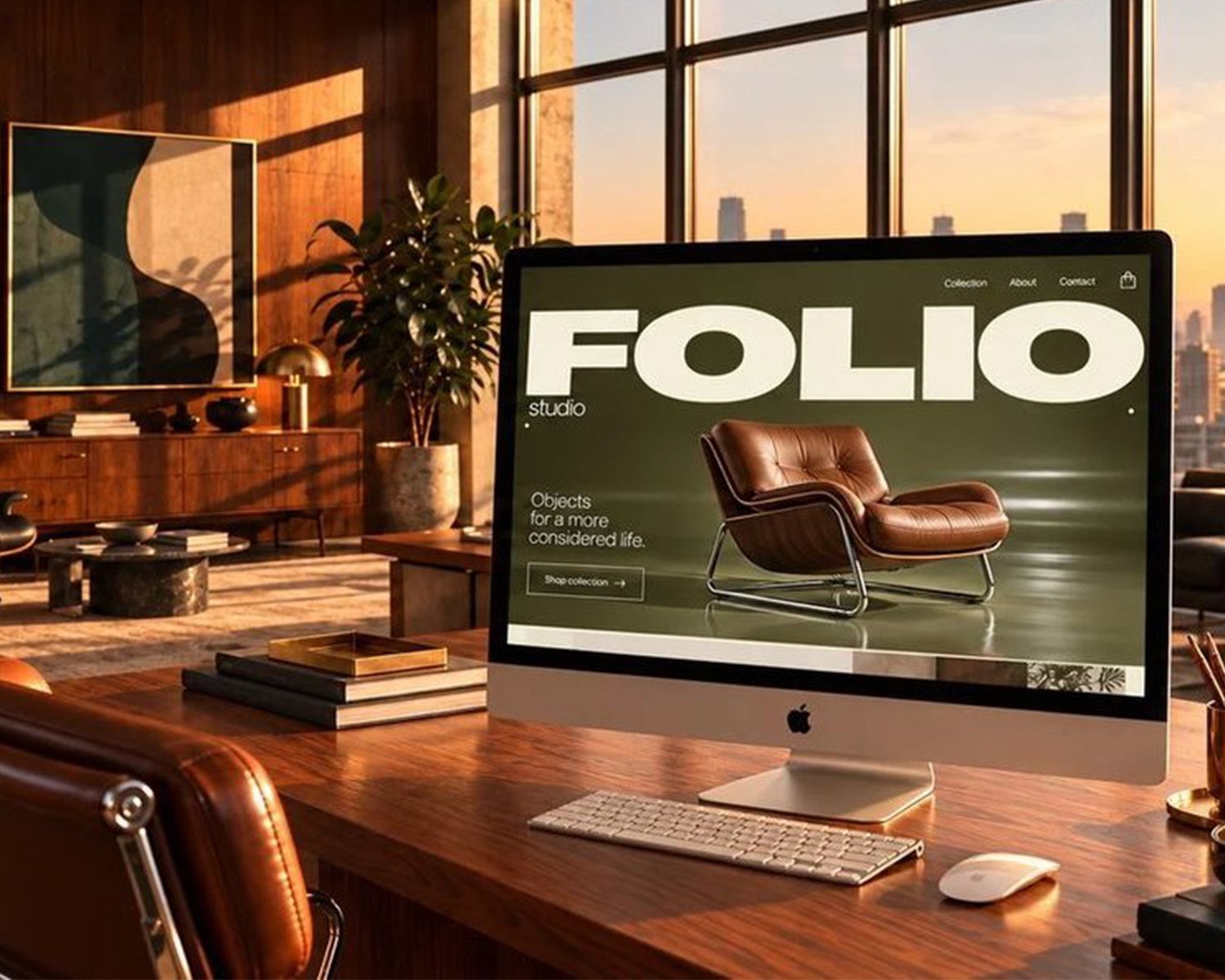
Each example links directly to its organization or product. We have not independently verified their private analytics, conversion results or comparative performance. Descriptions and takeaways are HOUSEINK Studio’s editorial interpretation. The cover is an illustrative studio image, not a screenshot of a listed website. Listed organizations are references, not implied clients or endorsements.
Frequently asked questions
What makes a good website design example?
A useful example demonstrates a clear relationship between an audience need and a design choice. Look at the message, reading order, navigation, product or service information and next step, as well as the visual style.
Are these the highest-converting websites?
No. This is an editorial selection for design study, not a conversion ranking. We have not audited these organizations’ private analytics or measured their comparative business performance.
Why does a 2025 article have a 2026 update?
This article was first published on August 4, 2025. The October 19, 2026 revision corrects links, revises the selection and adds practical commentary. Linked websites may have changed since 2025; this page is not an archive of their historical designs.
Should a business website use 3D and animation?
Use them when they explain the offer or support a meaningful experience. They should not prevent people from reading content, navigating, using a keyboard or completing the task. A simpler approach may be more suitable for the audience and budget.
Can I copy a layout from one of these websites?
Use the examples to understand principles such as grouping, hierarchy and useful interaction. Develop an original response to your own brief rather than reproducing another organization’s copy, imagery or distinctive identity.